

INNOVATION THAT DRIVES EMOTION THE NEXT LEVEL

h
f
f

Technology

innovation

Imagination is more important than knowledge. For knowledge is limited, whereas imagination embraces the entire world, stimulating progress, giving birth to evolution.

– Albert Einstein

unique experiences

THE NEXT LEVEL

Be unique

imagination

A lot of companies have chosen to downsize, and maybe that was the right thing for them.

We chose a different path.

Our belief was that if we kept putting great products in front of customers, they would continue to open their wallets.

– Steve Jobs

g
r
d

Read Our Blog

How to message someone on YouTube privately?

In the past, there was a messaging option to send and receive private messages on YouTube that carried out a channel-subscriber relationship, but unfortunately, this ceased to exist in 2018. But there is still an option available for you to communicate with your favorite channels or, if you have one, to communicate with your subscribers. Similarly, YouTube currently allows you to be aware of your channel’s statistics and subscribers, as well as your subscribers. But today, we will explain how to message someone on youtube in a very easy way.

How to message someone on youtube?

how to message someone on youtube

You are staying in touch with your all-important subscribers if you have a YouTube channel. If you are a subscriber to channels on this platform, it is also important that you can keep in touch with them to make your opinion known and make yourself felt. Also, you must know how to respond to the comments of your followers correctly.

To carry out this type of channel-subscriber communications or vice versa, you must know how to send and receive private messages on YouTube, so first find out how to send these messages. You can read how to turn off comments on facebook

Steps to send messages

To start sending messages to your favorite channels right away, you should know that the only option currently available to send private messages on YouTube is through email. To get to this function, you must access YouTube from your PC, and in the search bar, write the name of the channel to which you want to write a message and click.

Once you have located the channel, click on it, and the main window of the channel will appear, where there are sections with names such as “Home”, “Videos”, “List of reproductions”, among others.

Among these options, you should look for the one titled “More information.” Click on this and the window will appear where you will find the channel’s description and the part that interests you, which is titled “Details”.

In this part, there is a statement that says “For commercial inquiries” followed by a button titled “View email address.” Click here and the “I’m not a robot” button should appear, where you must click on the box and a pop-up window will appear with simple tests to determine that you are indeed not a robot.

Complete the tests. Once the test is finished, click “Verify” ⇾ “Send,” and then you will see the channel’s email where you can send messages.

You must bear in mind that if the channel creator does not have an email address added, you will not be able to send messages. That is why it is important that if you have channels on YouTube, you add an email so that your subscribers can contact you. Discover more about the equalizer 3.

How to receive messages

how to message someone on youtube

Adding an email to your channel for your subscribers to write to you privately is easy. The first thing you should do is access YouTube, click on your profile picture and go to the “My channel” section. Then you must click on the option “Customize channel” and then you must select the “About” tab.

In the “Details” section, there will be a box where you can put an email address of your choice and that’s it! You will have access to send and receive private messages on YouTube.

Why it is important to send and receive private messages on YouTube

Although we have already mentioned them several times in the previous parts of the article, this aspect is worth highlighting. Sending and receiving private messages on YouTube allows you to establish a solid and indestructible channel-subscriber relationship.

Also, in subscribers, you can express opinions, discontent and others respectfully and privately through an email. This will allow you to have more acceptance from users, and that way, your visits will increase. You can also monitor them.

Also, if you have a YouTube channel, it will be very easy for you to know your subscribers’ needs, concerns, and annoyances. This has a commercial interest since the main purpose of putting an email is for commercial inquiries.

The benefits and importance of sending and receiving private messages on YouTube are many, but they will all let you see that you should go to do it right now if you have not tried or even activated this function.
Best v8 featured apps

V8 featured apps are those apps that come with version 8. The specialty of the v8 is the latest updates and bug fixes. All updates come with faster and smooth performance but v8 featured apps are extra faster than the previous version. Let’s have a look below:

V8 featured apps

v8 javascript engine

v8 javascript engine

V8 is an open-source engine written in C ++ for compiling JavaScript and WebAssembly into machine code. This means that it translates JavasScript into a purely digital code capable of being interpreted by the CPU where it is executed.

This engine was developed by Google for Google Chrome and its first version was released in 2008 together with the first version of the browser.

In addition to Chrome, the rest of the Chromium-based browsers also use this engine, for example, in the new Microsoft Edge. The reason this engine is so efficient and fast is precisely that it compiles JavaScript code instead of interpreting it, which drastically lowers its execution time.

Besides this, V8 is in charge of managing the call stack, which is the execution stack; the memory heap, which is the dynamic storage area where the variables declared in the blocks are stored; and the garbage collector to clean up and free up space. Lastly, it provides all data types, operators, objects, and functions.

FMWhatsapp V8

FMWhatsapp V8

FM Whatsapp is a modified and improved version of the original Whatsapp. Although the original does not contain any errors, it still lacks some functionality and sometimes it is irritating to use the application. FM Whatsapp is a version that offers useful functions that are not present in the original application. It doesn’t matter if we use an original or modified application. We are always looking for the best application that offers us the best functionality. There are tons of Whatsapp MOD APK available on the internet. Some are fake or just a copy of the original app that doesn’t even have any new features added. We decided to collect these WhatsApp MODs from different reliable sources and make them available to you. For today’s article, We discuss some of the features of FMWhatsapp with its direct download link. Try the latest version of FMWhatsapp APK and enjoy all these amazing features.

How to turn off comments on facebook

The Facebook social network allows us to share images or photos with family and friends and see their reactions and comments. It is certainly a pleasant experience. However, perhaps we would prefer that other person refrain from commenting on them because they are not so close. In this article, you will learn how to turn off comments on facebook.

Why can’t i comment on facebook?

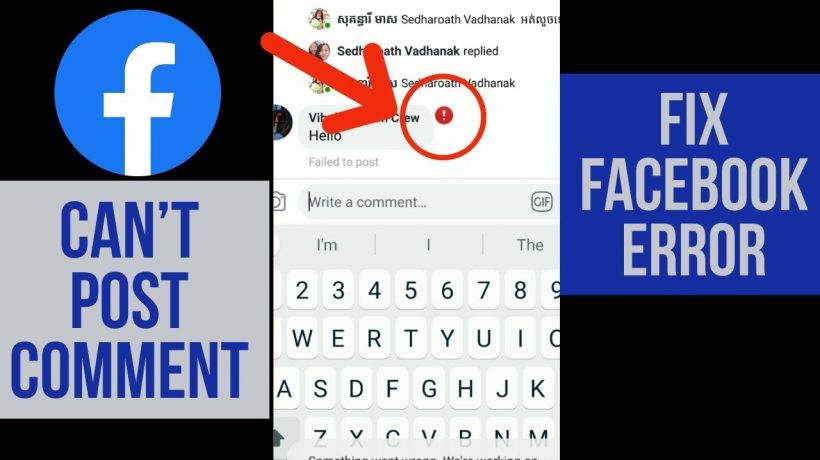
Exactly from this morning, it is impossible to comment on some posts or put the like inside some Facebook pages. Why can’t i comment on facebook? This is not an error of the social network but its umpteenth update that involves the privacy settings of all registered users, as explained in the Facebook forum.

Why can’t i comment on facebook?

Why can't i comment on facebook

In a nutshell, if we are the admin of a fan page, we cannot comment on the posts of fans that we are not friends with. This is because the user has defined his privacy settings that only his friends can comment on his posts. In this way, the page-user interaction will become more complicated and many users are already complaining about this change. For example, our fans on Uagna cannot receive replies from the administrators if they are not directly friends.

Here’s how you can change your Facebook privacy settings to fix the issue with comments on your posts:

  1. Click on Account – Privacy Settings
  2. The item ” Permission to comment on your posts ” must be set to ” all, “if it is not, click on ” Customize settings.”
  3. Under ” Ability to comment on posts,” select “all.”
  4. In this way, everyone can comment on our posts on Facebook pages and not just our friends.

UPDATE: despite the above procedure being correct, some users complain that they cannot resolve the situation. We just have to wait for the Facebook managers to solve the problem as quickly as possible.

If you want to comment on Facebook pages and receive notifications and replies to your comments, you must set the privacy as follows:

  • Go to Facebook at the top right of Account.
  • Choose ” Privacy Settings “

The option ” Status updates, photos and posts ” will be set to ” friends only,” and you will have to change it by going to ” Customize Settings ” found below and setting ” everyone ” as a privacy policy.

Photo status updates facebook post privacy. Now you will not have any problems, but it must be said that this will be a heavy blow for many page administrators and for many users who will be afraid to enable this option or even bother to change it. I can tell you that setting only the status update, photos, and posts visible to all does not mean that your profile, photos, and wall will become public !!! You can, therefore, safely choose this option. Let me know!

How to read whatsapp messages without blue tick

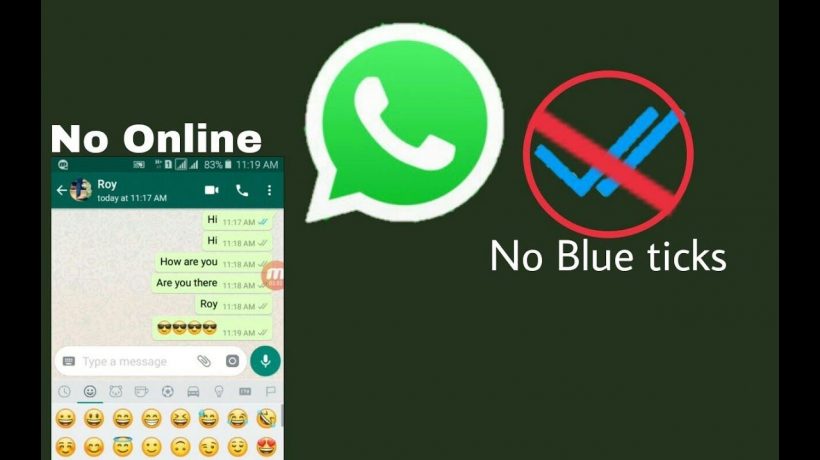
Much to its users’ chagrin, WhatsApp recently introduced read receipts, which let people know exactly when a message is being read, not just delivered. The application always showed checkmarks every time a message was sent, which turned gray when it was delivered. This feature was implemented without an update of the application itself. Now, the application shows two blue ticks when the recipient has read the message. However, there is a way to get rid of these annoying blue ticks: however, keep in mind that if you disable this feature, you will no longer be able to see the read receipts of the messages you have sent. In this regard, let’s see together some short steps that will help you understand how to read WhatsApp messages without blue tick.

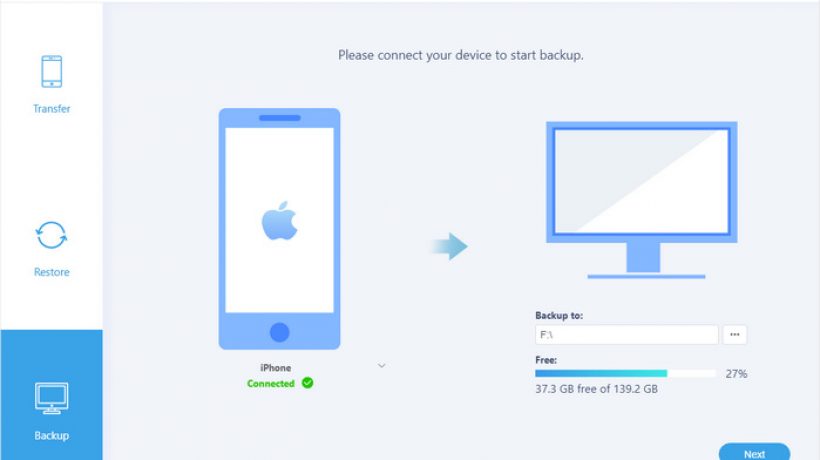
How to backup iPhone 8

We carry a lot of personal data, apps and multimedia content on our smartphones and it is highly recommended to have a backup of them if you do not want to lose it in the event of any unforeseen event, fall or breakage of the mobile.

How to suggest friends on Facebook

You have finally managed to convince your friend that he is still quite refractory to the technological world to join Facebook, but now you have to help him build friendships on the social network by suggesting the names of all the acquaintances you have in common. How do you do it? Good question. If you want, I can explain how to do it.

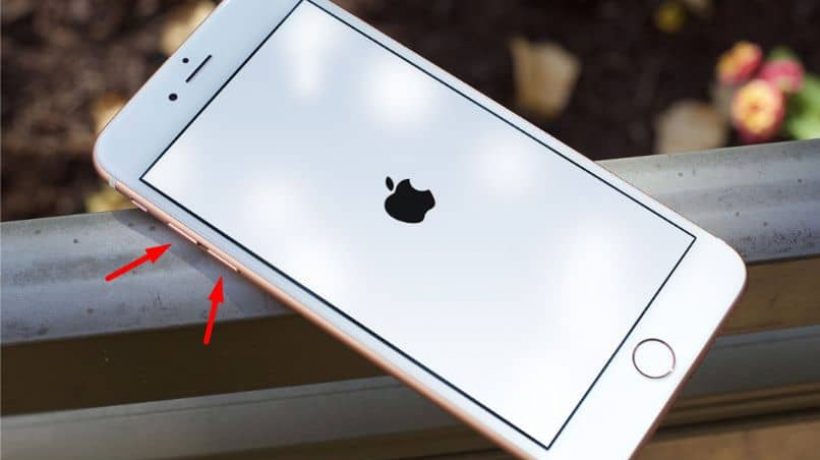
How to turn off iPhone without Screen

You have surely heard about the Apple company, a leader in the digital technology industry. It includes the manufacture of quality electronic equipment such as laptops, tablets, mobile devices and many others. How to turn off iPhone without screen?

How to view and find deleted tweets in 2021

How to view old and deleted tweets? Today we explain how to recover and view old and deleted tweets. And it is that recovering a tweet deleted by a Twitter profile is possible and quite simple. In fact, quite often someone posts something on social media and regrets it soon after, quickly deleting the post or tweet. What many do not know is that there are different tools and websites that make it possible to recover these deleted tweets. If, on the other hand, what you want is to delete all the tweets from your own Twitter account, we recommend that you visit the previous link.

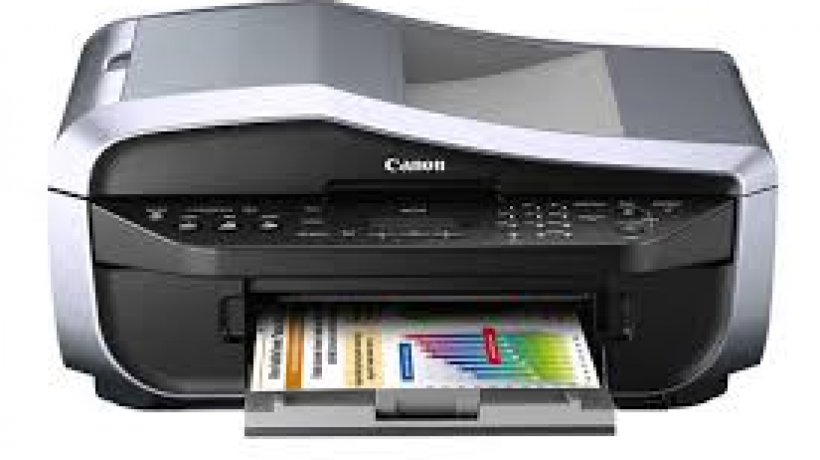
Choosing a printer that’s right for you.

There are a huge amount of printers on the market.  finding the right one for you and your business can be a difficult thing to do.  There follows a short guide on what to look for so that you can decide what is best for you.  you however you could take the stress and of choosing and simply go for this Printer leasing Gloucester firm.  They can advise you on what to use and they can offer competitive rates on leased products so that you can be sure you will get the most up-to-date machine immediately.  They can also offer you decent rates on printing levels so that you can budget and set your finances around such business costs accordingly.