


23 Nov How to Choose The Best Pink Gaming Headsets for Every Gamer
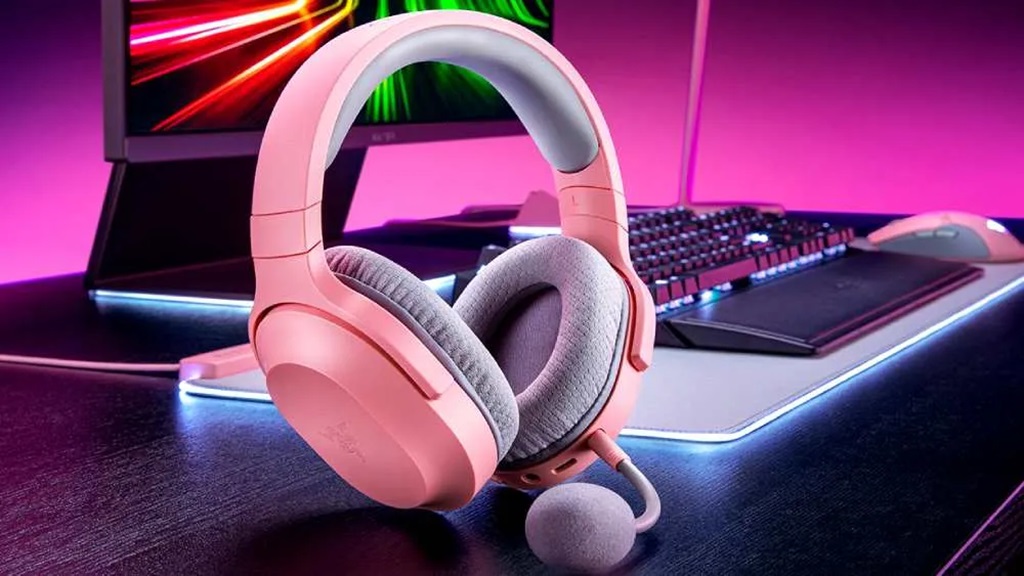
Gaming is no longer a “boy’s club.” Women make up nearly half of all gamers today. And they want gaming gear that reflects their personal style. That’s why pink gaming headsets have exploded in popularity recently. But with so many pink headset options out there, how do you choose the right one? This guide will walk you through everything you need to know to find your perfect pink gaming headset.
What to Look For in a Pink Gaming Headset
There are a few key factors to consider when shopping for a pink gaming headset:
Comfort
You’ll likely be wearing your headset for hours during gaming sessions. So comfort should be a top priority.
Look for padded headbands, memory foam ear cups that mold to your ears, and lightweight materials like plastic and mesh fabric. The best headsets completely cover your ears while avoiding a tight clamping pressure.
Adjustable headbands are ideal to get a customized fit. And some headsets have swiveling ear cups to align with your head shape.
Sound Quality
A gaming headset needs excellent sound quality to fully immerse you in the game.
Prioritize headsets with large drivers (40mm or bigger). Large drivers produce louder, clearer audio.
Surround sound is also ideal for a realistic 3D audio experience. And noise-cancelling microphones block out background sounds for clear voice chat.
Design and Build
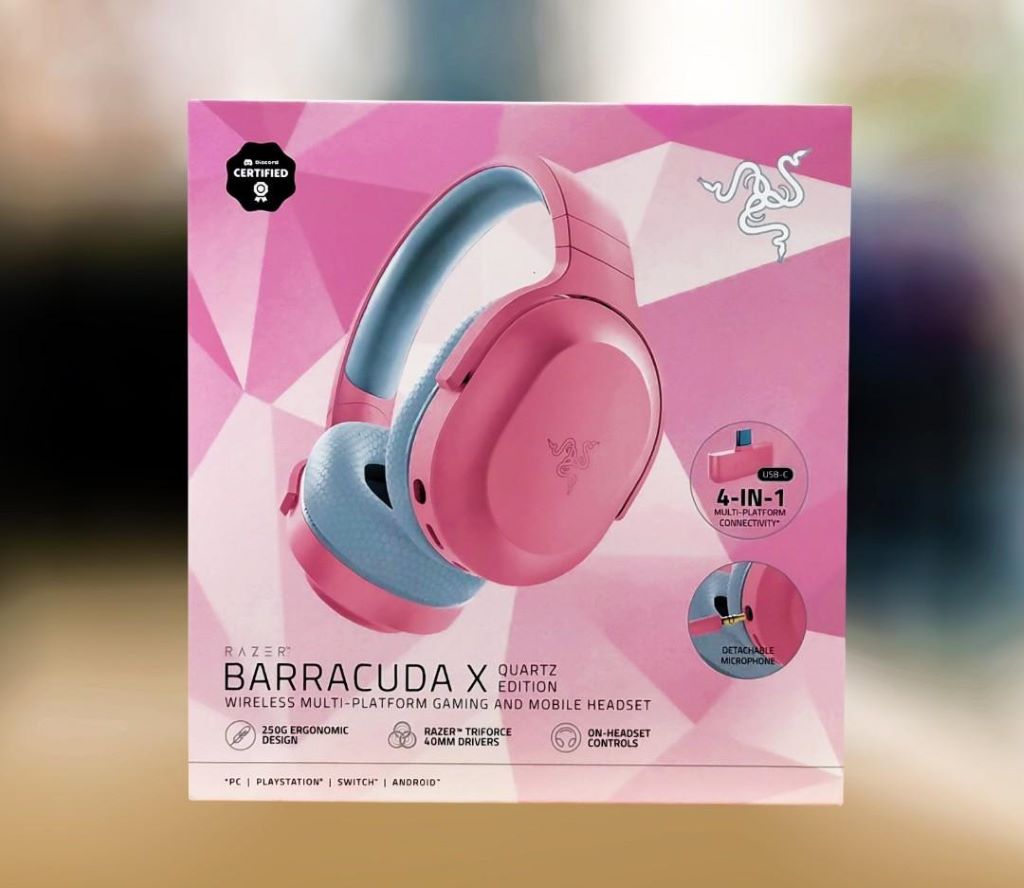
You’ll want a headset that looks and feels feminine. So pay attention to color shades and accents.
Matte pinks tend to have a softer, more delicate aesthetic. While metallic pinks and fuchsias can make a bold style statement.
Look for durable materials like metal and thick plastic that will hold up during intense gaming. And rubber or silicone padding adds comfort while protecting your headset.
Compatibility
Make sure to choose a headset that works with your gaming setup. Most pink headsets are designed for PC, PS4, Xbox One, and Switch.
Some are wired headsets that plug directly into your console or PC. Wireless headsets use Bluetooth or proprietary USB dongles to connect wirelessly.
There are also platform-specific headsets made to enhance your experience on PS4, Xbox One, or Switch.
Microphone Quality
For coordinating with teammates, you need a headset with a clear mic that picks up your voice.
Boom mics tend to perform better than integrated mics. And noise cancellation helps isolate your voice from background noise.
Look for volume controls and muting options so you can adjust your mic on the fly. And an LED indicator light lets you know when your mic is on.
Price
Pink gaming headsets range from $20 basic models to $300+ high-end wireless headsets. In general, expect to pay:
- $20-$50: Entry-level wired headsets
- $50-$120: Mid-range wired headsets with better sound
- $120-$200: Advanced wired headsets with premium audio
- $200+: High-end wireless headsets with surround sound
Set a budget before you start shopping. And find the best combination of features and audio quality for the price. Avoid going too cheap or you’ll sacrifice comfort and durability.
The Top 5 Pink Gaming Headsets
Based on the criteria above, here are my top picks for the best pink gaming headsets:
1. Razer Kraken Kitty Edition
The Razer Kraken Kitty Edition is at the top of every pink gaming headset list.
It has powerful 40mm drivers and surround sound for immersive gaming audio. The retractable mic offers crystal clear communication. And Razer Chroma RGB lighting gives it a customizable, feminine look.
The oval ear cushions wrap around your ears for maximum comfort. While the lightweight build won’t feel heavy during marathon gaming sessions.
This is the ultimate high-end option that checks all the boxes. Just be prepared to pay for the premium quality.
2. SteelSeries Arctis 1 Wireless Naima Edition
Get rid of cables with the sleek SteelSeries 1 Wireless Naima headset. It connects wirelessly to your PS4/PS5 or Switch with no dongle required.
The discord-certified microphone provides studio quality voice clarity. And the ski goggle suspension headband offers a comfortable, adjustable fit.
With up to 20 hours of battery life and USB-C charging, you can go all day without interruption. And the matte finish pink color scheme has feminine flair.
3. Corsair HS35 Stereo Gaming Headset
The Corsair HS35 delivers amazing sound quality on a budget. It has custom-tuned 50mm neodymium drivers for booming bass and crisp highs.
The plush memory foam and adjustable headband provide cushioned comfort. And the noise-cancelling microphone is detachable for when you want to listen to music.
It works with PC, PS4, Xbox One, Switch, and mobile devices. So you can use it across all your games. And the matte pink finish gives it a subtle, sophisticated look.
4. RUNMUS Gaming Headset Kitty Ears
Let your playful side shine with the RUNMUS gaming headset kitty ears. The RGB cat ear attachments let you program dramatic color-changing lights.
With 7.1 surround sound and 50mm drivers, you’ll hear everything in stunning detail. And the durable braided cable and aluminum alloy frame can withstand rough wear and tear.
The flexible omnidirectional microphone captures your voice for team communication. And the breathable protein earpads block out noise during long sessions.
5. HyperX Cloud Stinger Core Wireless Gaming Headset
Cut the cord with the HyperX Cloud Stinger Core wireless headset. It connects wirelessly to PS4, PS5, and Switch for up to 17 hours per charge.
The 40mm drivers deliver punchy gaming audio. And the swiveling ear cups ensure personalized comfort.
The built-in mic uses noise cancellation to isolate your voice. And the adjustable steel slider lets you customize your fit.
With a sleek low-profile design, it brings feminine style and wireless functionality.
How to Find the Best Pink Headset for You
So those are my top recommendations for high quality pink gaming headsets. But you may prefer a different style or have a specific budget.
Follow these tips when shopping to choose your perfect headset:
- Pick your must-have features – Make a list of the features that matter most, like wireless connectivity or surround sound. This will narrow your options.
- Decide on a design aesthetic – Browse headsets to find your favorite shade of pink and visual design. This ensures you’ll love the look.
- Read customer reviews – Look at user reviews on Amazon, YouTube, forums, and the manufacturer website. Make sure the headset has no major comfort or quality issues.
- Compare prices – Search for deals on headsets that meet your needs. Sign up for price drop alerts. And look for sales around the holidays.
- Buy from a retailer with a return policy – In case it’s not the right fit, buy from somewhere that accepts returns like Amazon. You can exchange for a different model.
- Make sure it’s compatible – Double check console, PC, and mobile compatibility before buying so you can use it across your devices.
- Pick a trusted brand – Stick with gaming headset brands like Razer, Corsair, HyperX, SteelSeries, etc. for reliability and sound quality.
Setting Up Your Pink Headset for Gaming
Once you’ve chosen the perfect pink headset, you’ll need to set it up. Follow these tips for getting started:
Wired Headsets
- Plug the 3.5mm headset plug into your controller or PC headset jack
- Position ear cups over your ears and adjust the headband for a snug fit
- Adjust mic positioning so it’s about 2 finger widths from your mouth
- Set volume and mic mute toggles to your desired levels
- Open your game audio settings and switch output to the headset
- Join a party chat and ask teammates to confirm your mic works properly
Wireless Headsets
- Charge the headset fully before first use
- Turn on the power button and pair via the USB dongle or Bluetooth
- Adjust the fit to your head and position the mic near your mouth
- Activate and adjust mic monitoring so you can hear yourself
- Connect the USB dongle if necessary and turn on headset gaming audio mode
- Customize audio and mic settings in your console settings or PC software
Mobile Gaming Headsets
- Make sure your headset works with your smartphone via 3.5mm or Bluetooth
- Pair your phone with the headset if using Bluetooth
- Plug the 3.5mm plug into your phone headset jack
- Launch your mobile game and switch audio output to the headset
- Check that teammates can hear you in party chat before starting matches
Getting comfortable with a new headset takes practice. Spend some time adjusting fit, positions, and settings before you jump into intense multiplayer matches.
Caring for Your Pink Headset
Investing in a quality pink headset means you’ll want it to last. Follow these care tips:
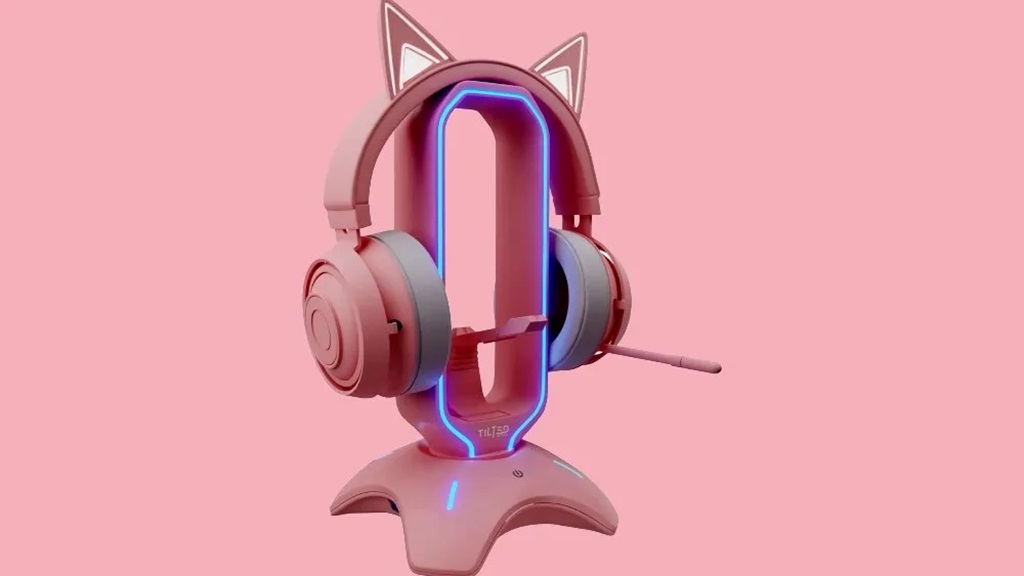
- Store in a headset stand or carrying case when not in use
- Keep away from moisture and extreme temperatures
- Clean ear pads and headband with warm water only when needed
- Use the manufacturer cleaning method for the mic mesh
- Don’t drop, sit on, or crush the headset
- Keep cables from getting severely tangled and damaged
- Make sure headsets aren’t stretched over large objects
- For wireless headsets, fully recharge at least once a month
- Update firmware when new versions are available
- Repair immediately if anything breaks or audio cuts out
With regular cleaning and careful use, a premium gaming headset should last you several years.
Troubleshooting Pink Headset Issues
No headset works perfectly 100% of the time. Refer to this troubleshooting guide if you run into any problems:
No Sound or Low Volume
- Check headset and device volume settings
- Try adjusting the positioning for better fit
- Make sure connections are firmly plugged in
- Test headset on another device to isolate issue
- Update drivers and headset firmware
- Replace headset if hardware damage is causing it
Microphone Not Working
- Confirm the mic itself is not muted or disabled
- Check microphone privacy and recording settings
- Try the headset on another device to test mic
- Reposition the mic nearer to your mouth
- Blow into mic to check for faint sounds
- Replace headset if microphone is faulty
Distorted or Static Sounds
- Adjust volume settings to lower levels
- Check all cables for loose connections
- Update audio drivers in device settings
- Disable any surround sound or EQ presets
- Move wireless headset closer to the receiver
- Remove headset obstruction between ear cups
Cracking Noises
- Replace detachable cable if damaged
- Check headband and ear cups for cracks
- Carefully stretch ear cups to relieve pressure
- Wrap headset cable loosely around objects
- Avoid sharply bending the headband
Disconnection or Pairing Issues
- Un-pair and re-pair wireless headset with receiver
- Update headset firmware as needed
- Check receiver placement and move closer if needed
- Disable connection to other Bluetooth devices
- Switch to wired mode to test connectivity
Still having trouble? Contact the headset manufacturer support for troubleshooting. They can help diagnose any defective parts covered by warranty.
Joining the Pink Headset Community
Once you enter the world of pink gaming headsets, you’ll find a vibrant community of female gamers who share your passion. Here’s how to connect:
- Join Facebook groups for women gamers to share setups, reviews, and gaming experiences.
- Follow female influencers on Instagram and YouTube who post pink headset reviews. Comment to interact!
- Join Discord servers and online forums focused on women in gaming. Offer advice and make friends.
- Attend gaming conferences that highlight diversity like PAX, Comic Con, and DreamHack. Demo gear and meet fellow gamers.
- Bond with in-game teammates over your love of pink gaming accessories. Group up regularly.
- Give back by mentoring younger girl gamers on building their own pink setups. Share your wisdom.
The women’s gaming community is incredibly supportive. Bonding over pink headsets and cute gaming gear can lead to lifelong friendships.
Final Tips for Choosing Your Ideal Pink Headset
Finding the perfect pink headset that matches your style, budget, and gaming needs takes some work. But it’s worth taking the time to get it right.
Keep these final tips in mind:
- Prioritize comfort for those marathon gaming sessions
- Test microphone quality before purchasing
- Make sure colors and design fit your personal style
- Check platform and device compatibility
- Buy from retailers with generous return policies
- Research brands for quality and reliability
- Read plenty of customer reviews before deciding
- Take care of your headset to extend its lifespan
- Have fun customizing with different accessories!
With the right pink gaming headset, both your playstyle and appearance will level up. So embrace the pastels and metallics that make you feel confident and stay comfortable.
Now get out there, be bold, and game on!
Frequently Asked Questions
- Are pink gaming headsets just for girls?
Absolutely not! While pink headsets are marketed towards female gamers, anyone can use them. Lots of men and non-binary gamers also enjoy matching cute gaming gear. Choose whatever headset colors and designs bring you joy.
- Is the quality and audio good on pink headsets?
Many top headset brands like Razer, Corsair, and HyperX now offer high-end pink headsets. They provide the same stellar sound and build quality as their traditional black counterparts. The color does not affect performance.
- How do I pick between all the shades of pink?
It comes down to personal preference! Take cues from your existing gaming setup and accessories. Soft pastel pinks give a delicate, Kawaii style. Bright metallic pinks and magentas make bold statements. Find the shade that best represents your gamer personality.
- Are wireless or wired headsets better for gaming?
Wireless headsets prevent cable clutter and give you freedom of movement. But wired models have virtually no latency or interference. For competitive multiplayer, wired headsets are best. But casual gamers will appreciate the convenience of wireless.
- How can I add more color to my pink headset?
Many headsets feature RGB lighting you can customize and program into cool effects. You can also accessorize with detachable animal ears, colorful headband pads, and headset charms. Add stickers, glitter, jewelry, and other creative touches to make it your own!
Conclusion
Finding the ideal pink gaming headset requires balancing style, comfort, performance, and your budget. While the Razer Kitty Edition and SteelSeries Arctis 1 lead the pack, any headset can become part of your feminine gaming sanctuary with the right customizations.
Level up your gaming experience with GameStop headsets – the must-have accessory for an immersive and crystal-clear sound. Don’t miss out on holiday sales for pink headsets, and join a vibrant community of female gamers online and in person to share stories and gather setup inspiration.
At the end of the day, video games are for everyone regardless of gender. So game on with confidence while showing the beauty in diversity. Let your pink headset shine as you conquer multiplayer matches in both comfort and cutting-edge style. Your headset helps showcase the unique gamer you are on the inside as you lead your team to victory.
